Cash Assistance & Tax Credits › Guide
How to Tell a Real Government Program From a Scam: A 2-Minute Check
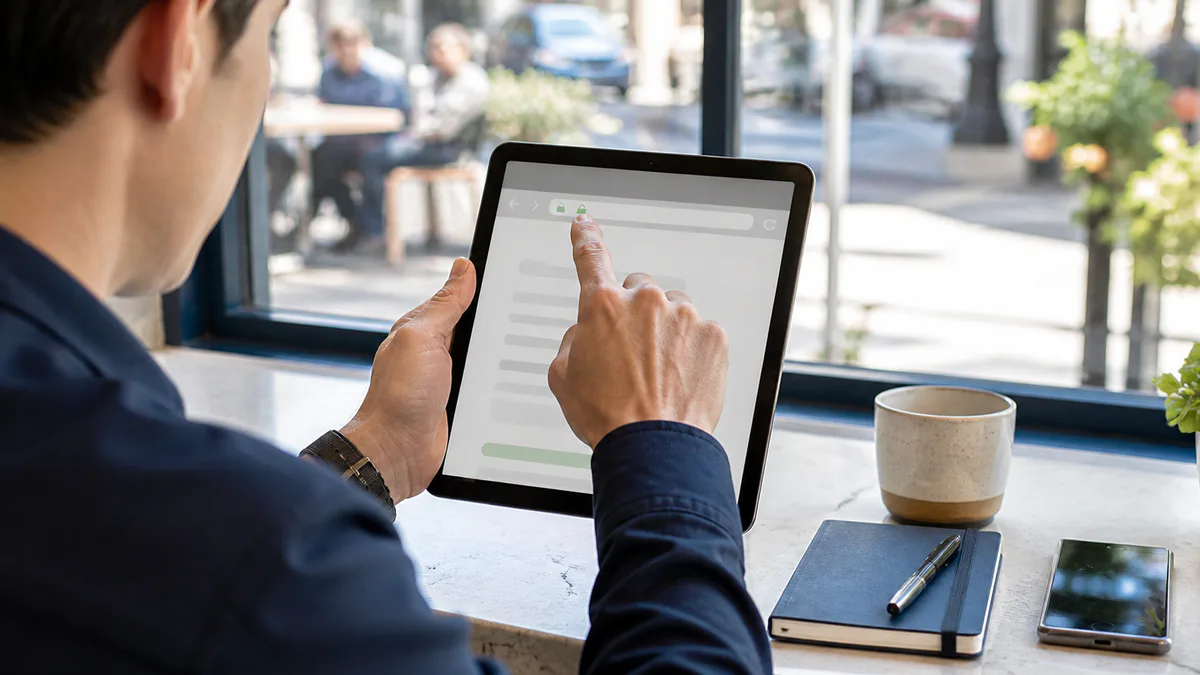
Check a benefit offer with the real agency before you send money or private details. A web address, logo, or caller ID cannot prove that an offer is real. Use a phone number or link you find on your own, not the one in the message.
A .gov address is a useful clue. But a .com or .org address alone is not a scam sign. Real housing agencies, charities, schools, and benefit providers may use those domains. The key is to check who runs the site and how it connects to the program.
What should you check first?
- Find the agency that runs the program. Use an official directory. Read its rules and follow its links to local offices or approved providers.
- Read the full web address. US .gov domains are limited to eligible government groups. A site called benefits.gov.example.com is on example.com, not .gov. That is a made-up example, not an application link.
- Check the site's role. A private guide can explain benefits without being the agency. A local nonprofit may help with forms. Neither role alone means fraud. They should be clear about who they are and what they do.
- Look for proof, not a promise. A helper cannot guarantee that an agency will approve your case. Check claims about fast approval with the agency itself.
- Pause at an unexpected message. Some real offices do call or email. That does not make every message safe. Find the office's number yourself and call to check.
| What to check | Safer route | Warning sign |
|---|---|---|
| Website | Confirmed through the agency's own directory or links | A look-alike address or no way to verify who runs it |
| Payment | Costs, if any, confirmed with the real office | A demand for gift cards to release a surprise award |
| Approval | The office reviews the program's rules and your facts | A stranger promises approval without checking your case |
| First contact | You call back using a number you found yourself | Pressure to act now or keep the offer secret |
| Private details | You use a verified application route | An unexpected caller demands your bank or Social Security number |
How do you check an offer in about two minutes?
A quick check can show where to look next. It is not a guarantee that every offer is safe.
- Start at USA.gov. Use its federal agency directory to find the real site and phone number. Do not use contact details supplied by the person making the offer.
- Check the agency's own instructions. Read who can get the aid and how to apply. If it sends you to a partner site, follow that verified link. The partner may use .org or .com.
- Check your state or local office. Use USA.gov's state directory. For housing vouchers, start with HUD's tenant guide and agency search.
If you still cannot confirm the offer, stop and call the office. Not finding it in a quick search is a reason to check more, not proof of fraud.
What do scammers do to sound real?
Scammers copy logos, use official-sounding names, and fake caller ID. They may know part of your personal history. None of that proves they work for the government.
The FTC's government scam guide warns about threats and demands for private information. A demand that you pay by gift card, wire transfer, crypto, or a payment app is a major warning sign. Do not act on that demand. Find and call the real office instead.
A surprise grant award is another common pitch. Grants.gov's scam guide explains how fake offers work. Do not pay a fee to unlock an award you never sought.
Does a fee always mean it is a scam?
No. Some government services have fees, and some private helpers charge for their work. A fee alone does not prove fraud. But federal grant applications and the FAFSA are free. Do not confuse paying a helper with a fee the agency requires.
Ask the real office whether a fee is required, who can collect it, and whether free help is available. Get that answer before you pay. A helper's fee cannot buy approval or a place at the front of a benefit waiting list.
What about debt relief or phone offers?
Check the specific program, not just the promise in the ad.
- Debt relief: be wary of a claim that a new government grant will erase your credit card debt. Read our debt-relief scam guide before you pay a company.
- Phone discounts: private carriers can take part in Lifeline. A carrier is not the government. Confirm it through the official Lifeline provider search. Read our Lifeline guide for how the discount works.
What if you already paid or shared your details?
Act soon. Recovery is not certain, but these steps can limit harm:
- Contact the bank, gift card issuer, or payment service you used. Say it was a scam and ask whether they can reverse or stop the payment.
- Report the offer at ReportFraud.ftc.gov, even if you did not lose money.
- If you shared private details, use IdentityTheft.gov for a recovery plan.
- Find your state consumer protection office and ask about local help.
For a safer next step, browse our programs directory, then use the official application route for the aid you need. CalculateBenefits is a private guide, not a government agency. Only the office that runs a program can decide your case.
Your next step. The free TANF screening guide helps you find your state's cash-assistance rules and application route without guessing a payment amount. All tools →
Sources
- FTC — How To Avoid a Government Impersonation Scam
- FTC — Government Grant Scams
- Grants.gov — Grant-Related Scams
- USA.gov — Imposter Scams
- USA.gov — Federal Agencies directory
- USA.gov — State Governments directory
- USA.gov — State Consumer Protection Offices
- CISA — Eligibility for .gov domains
- HUD — Housing Choice Voucher tenants and local agencies
- USAC — Lifeline companies near me
- Department of State — Passport fees (example of a government service with fees)